Help for businesses
How to.
Short, step-by-step guides for running your listing. Pick what you want to do.
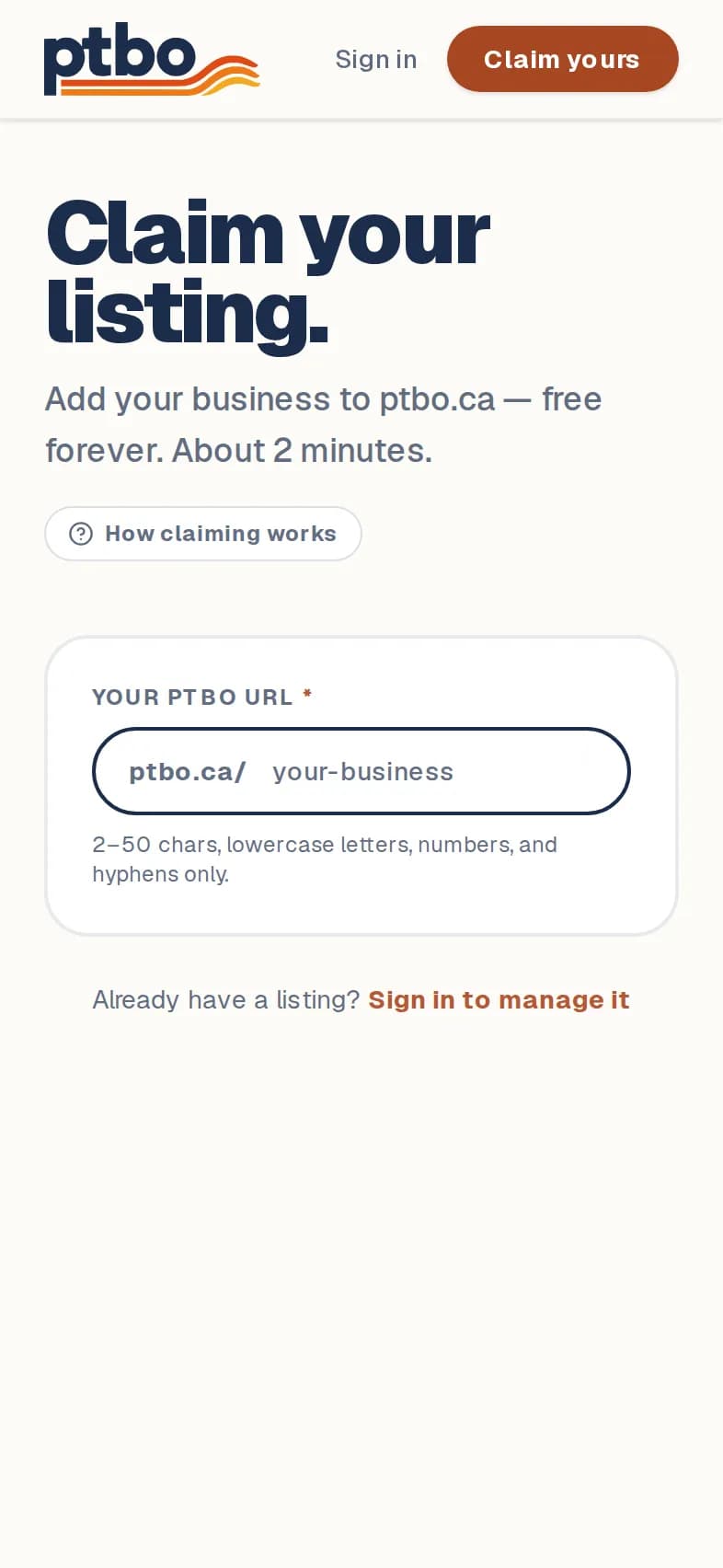
Claim your business
Take over the listing we made for your business, or add a new one.
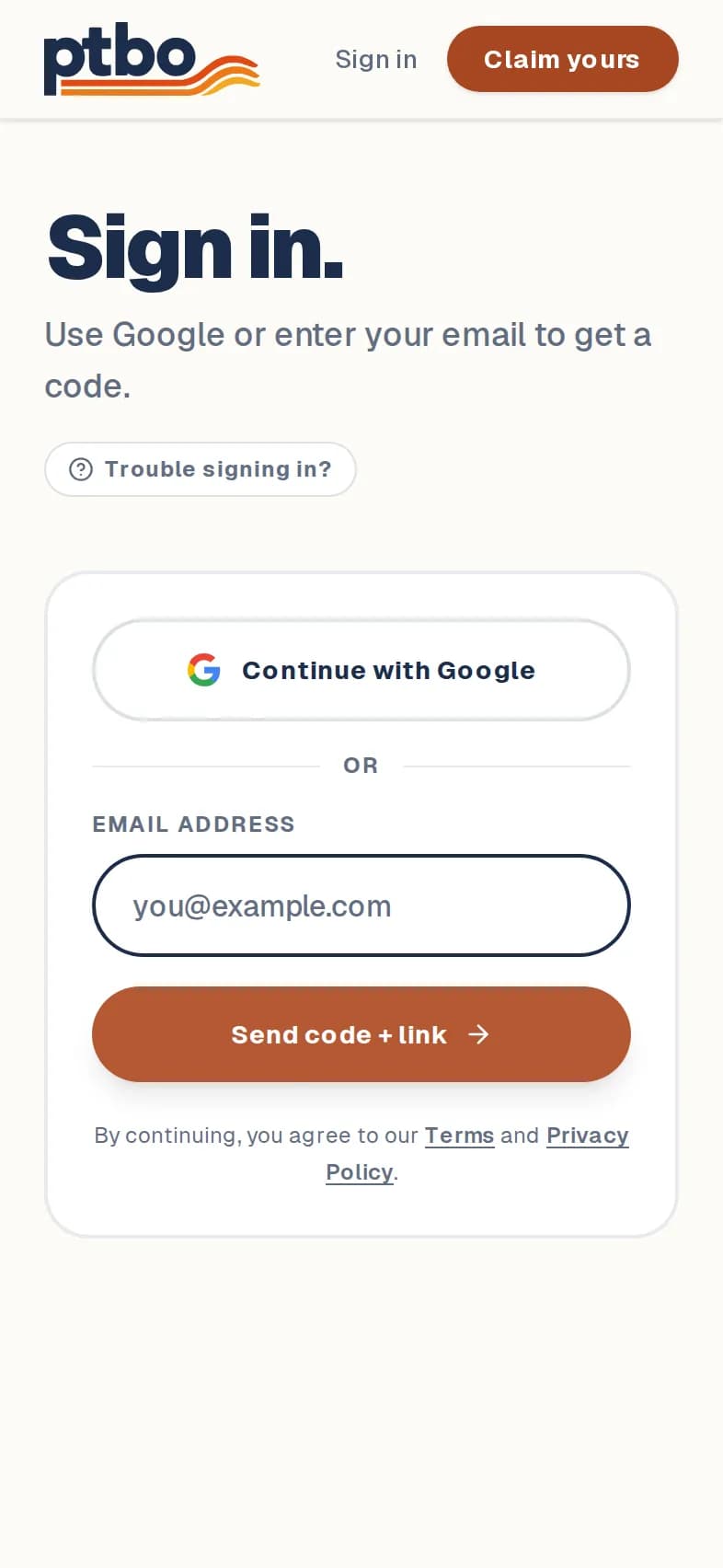
Sign in
Use your Google account, or get a code by email. There's no password.
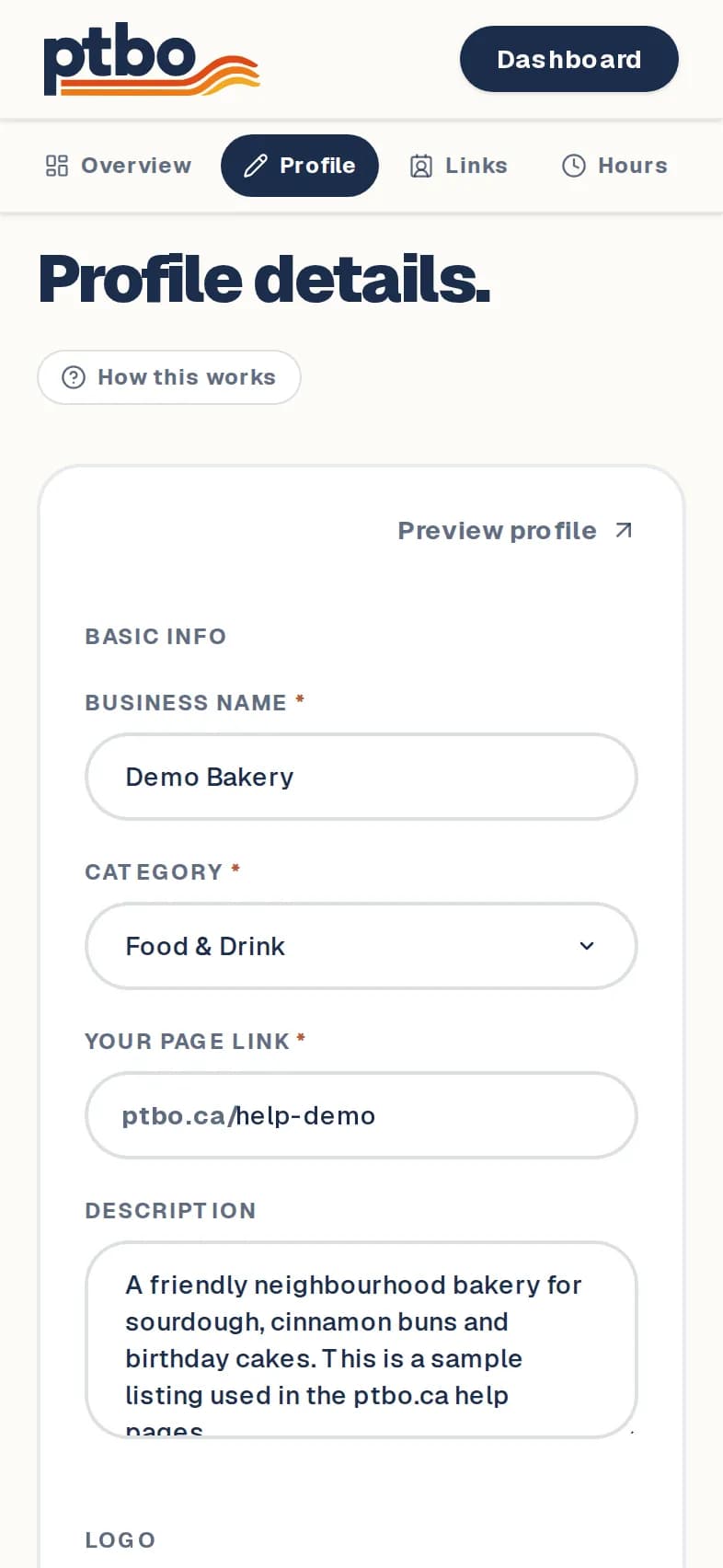
Change your name, description or logo
The basics: what your business is called, what it does, and its logo.
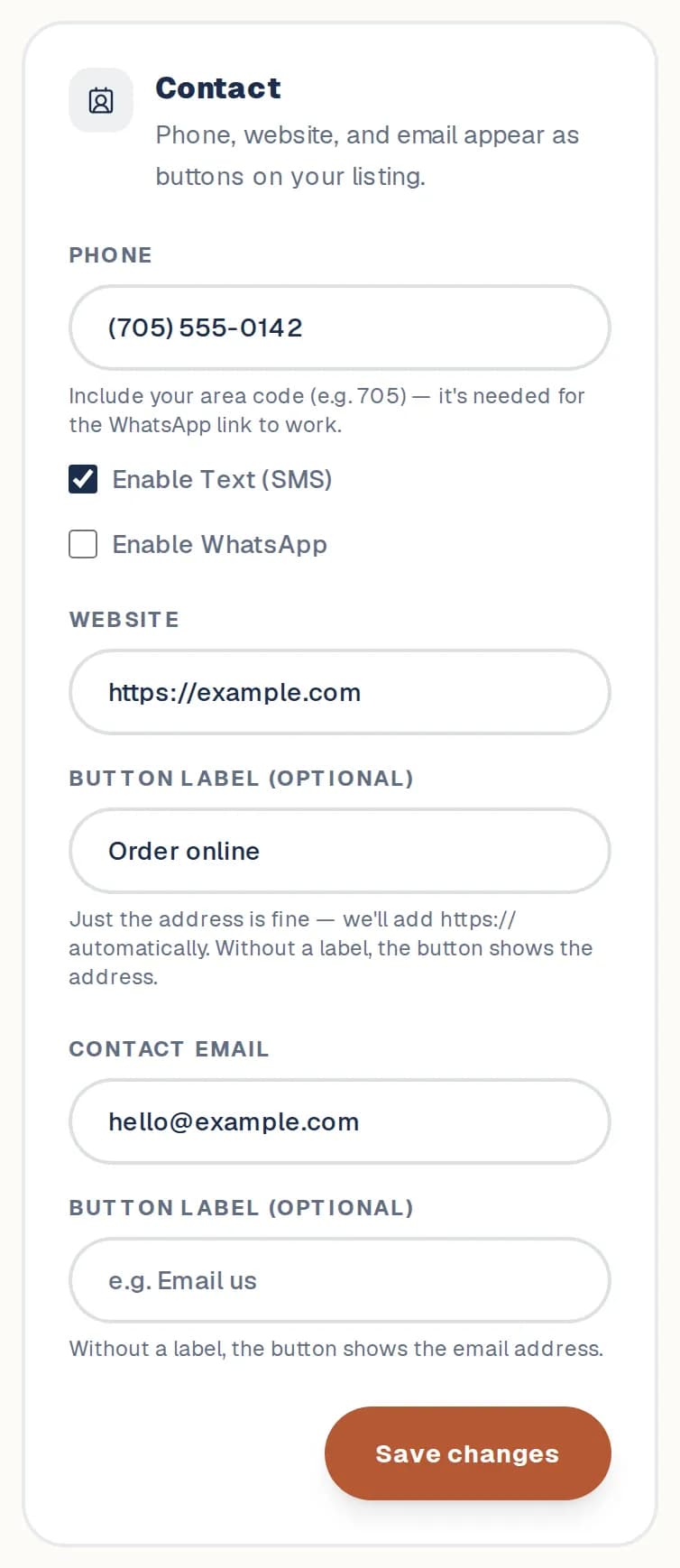
Add your phone, website, email and socials
The buttons people tap to reach you.
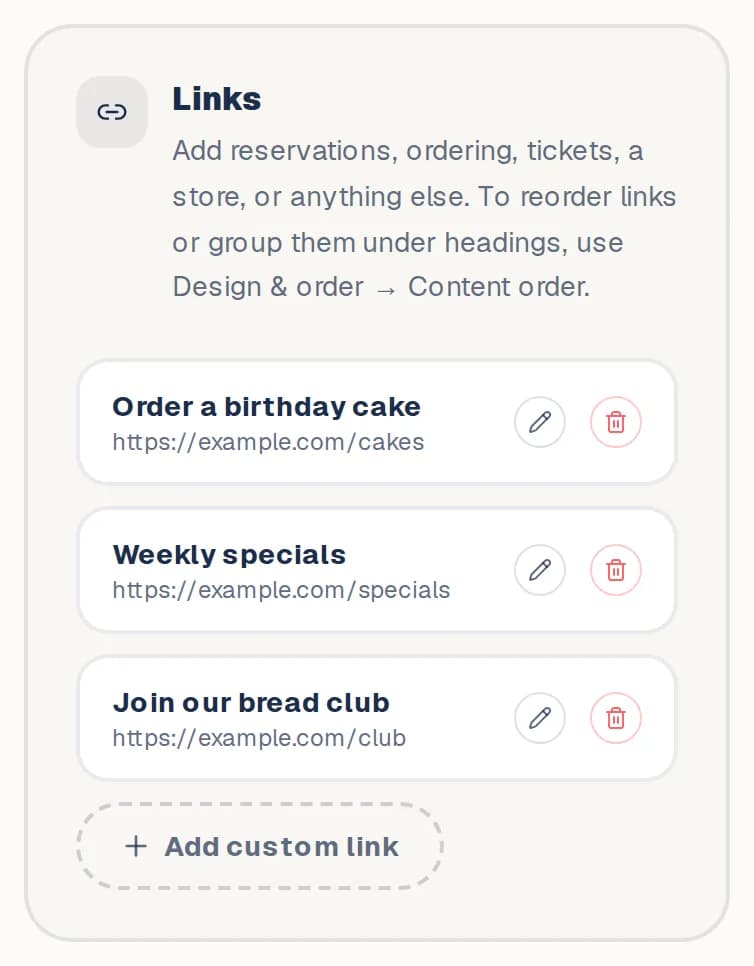
Add links and headings
Point people to bookings, ordering, tickets, a store, anything.
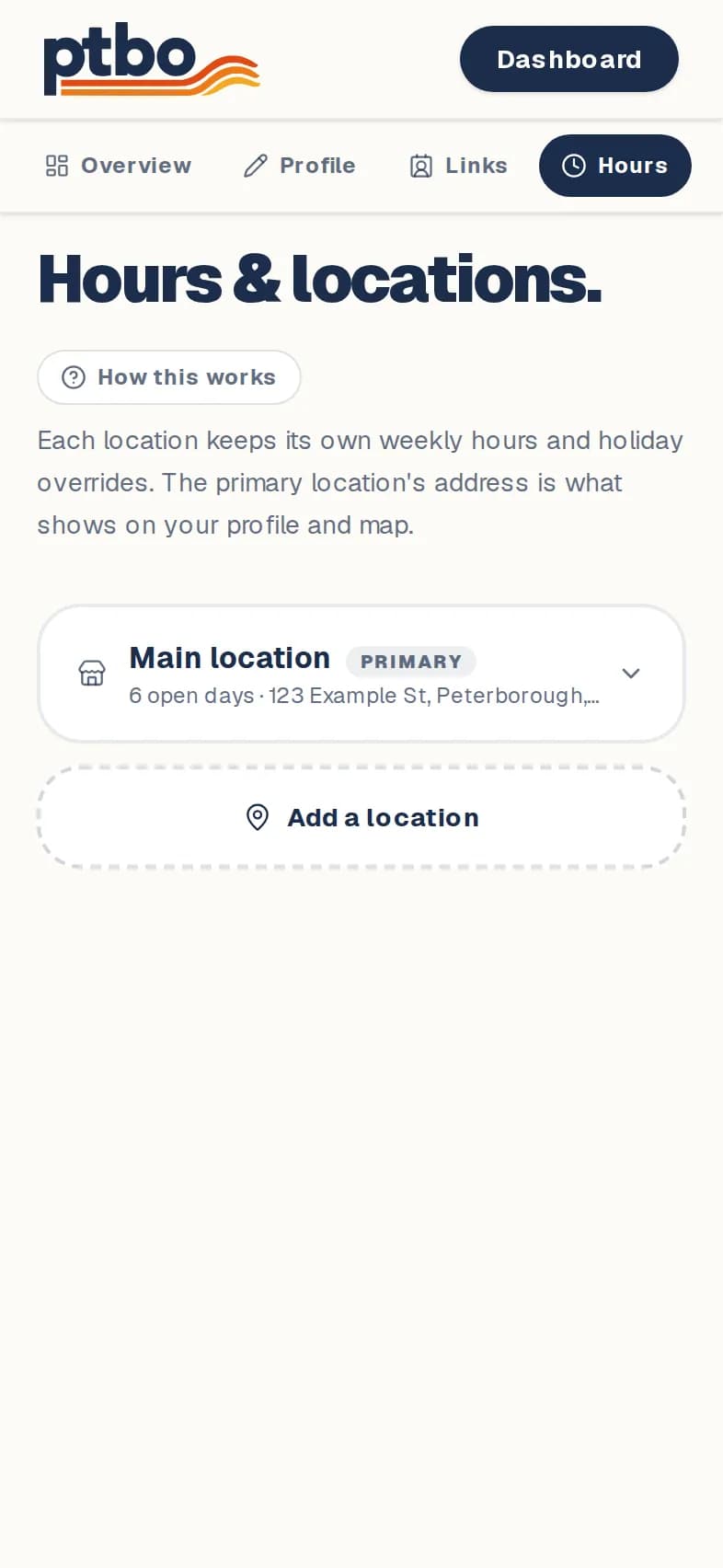
Set your hours and locations
Weekly hours, holidays, and more than one location.
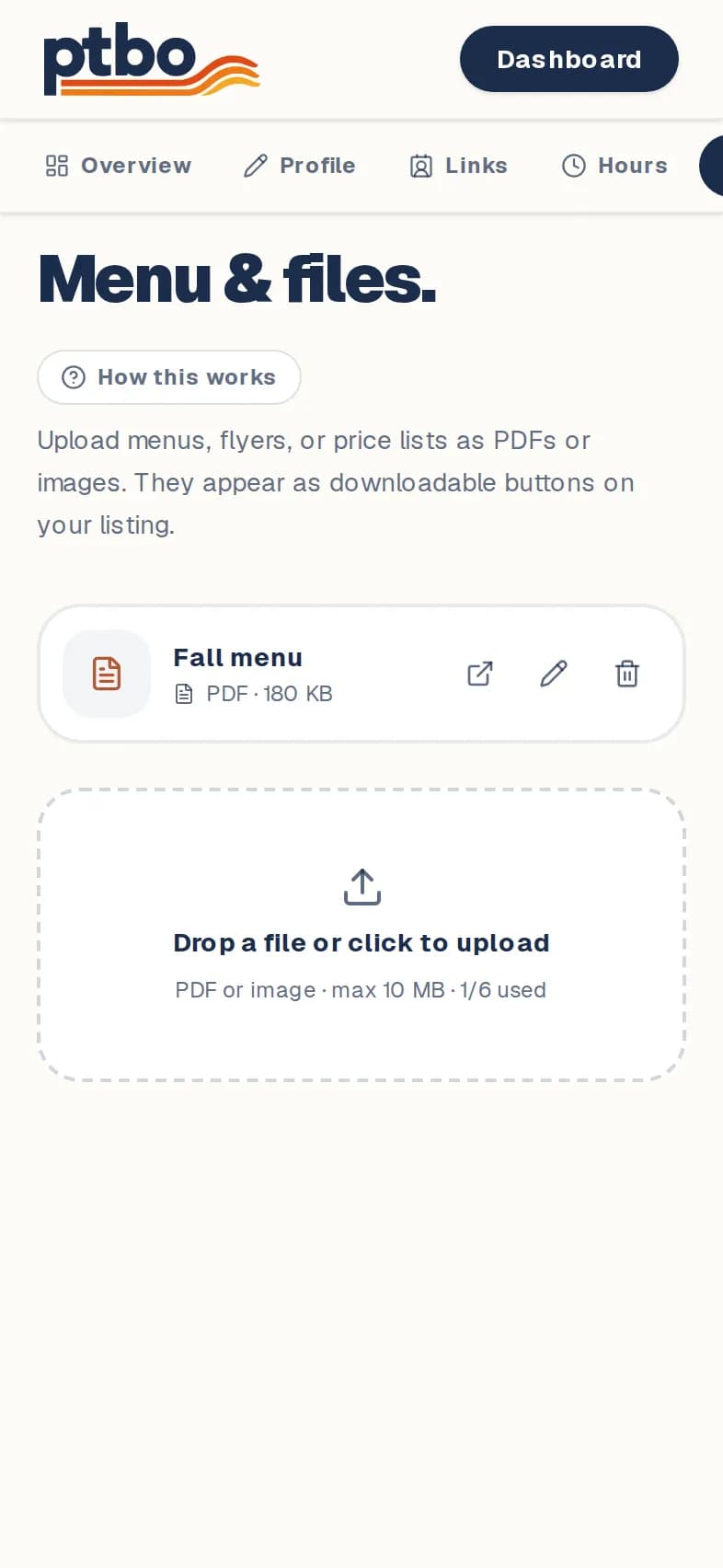
Add a menu or flyer
Upload PDFs or pictures that people can open from your page.
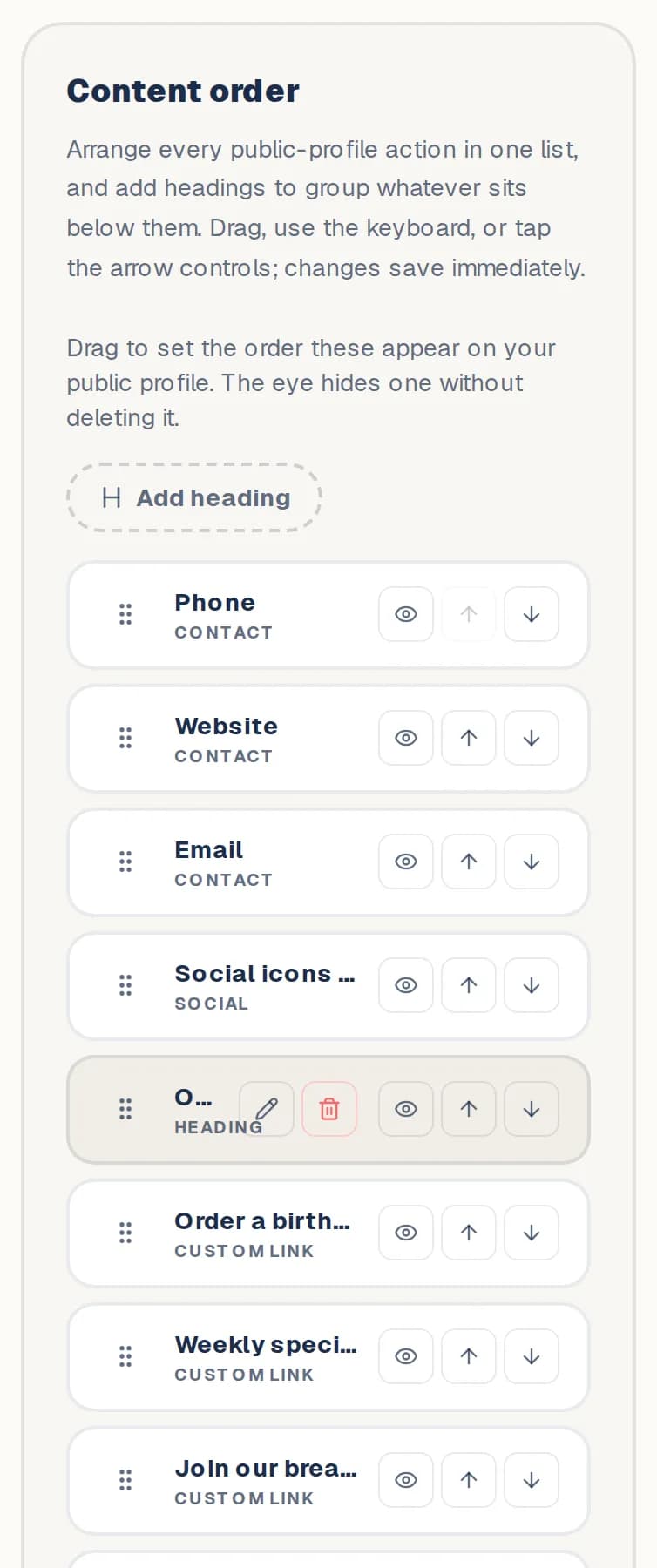
Change the order, or hide something
Put your most useful buttons first.
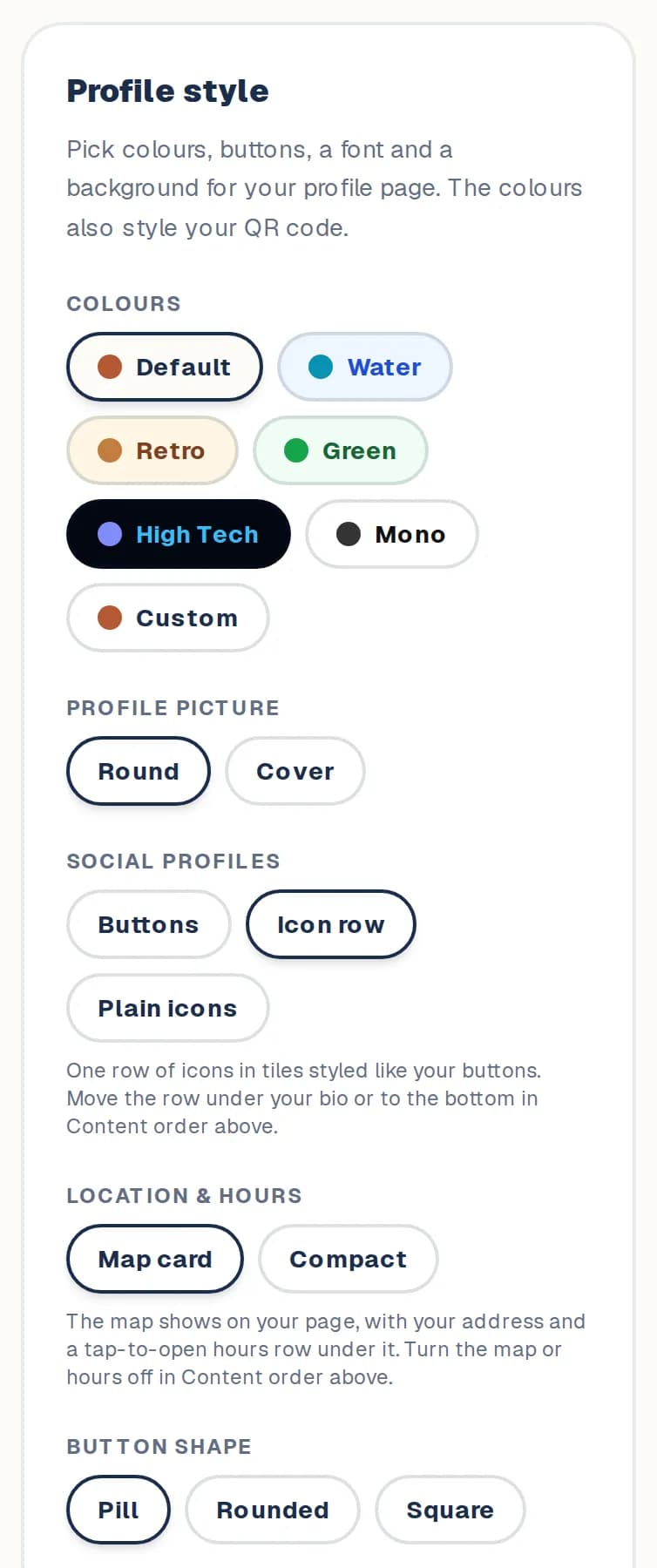
Change how your page looks
Colours, buttons, font, background and picture.
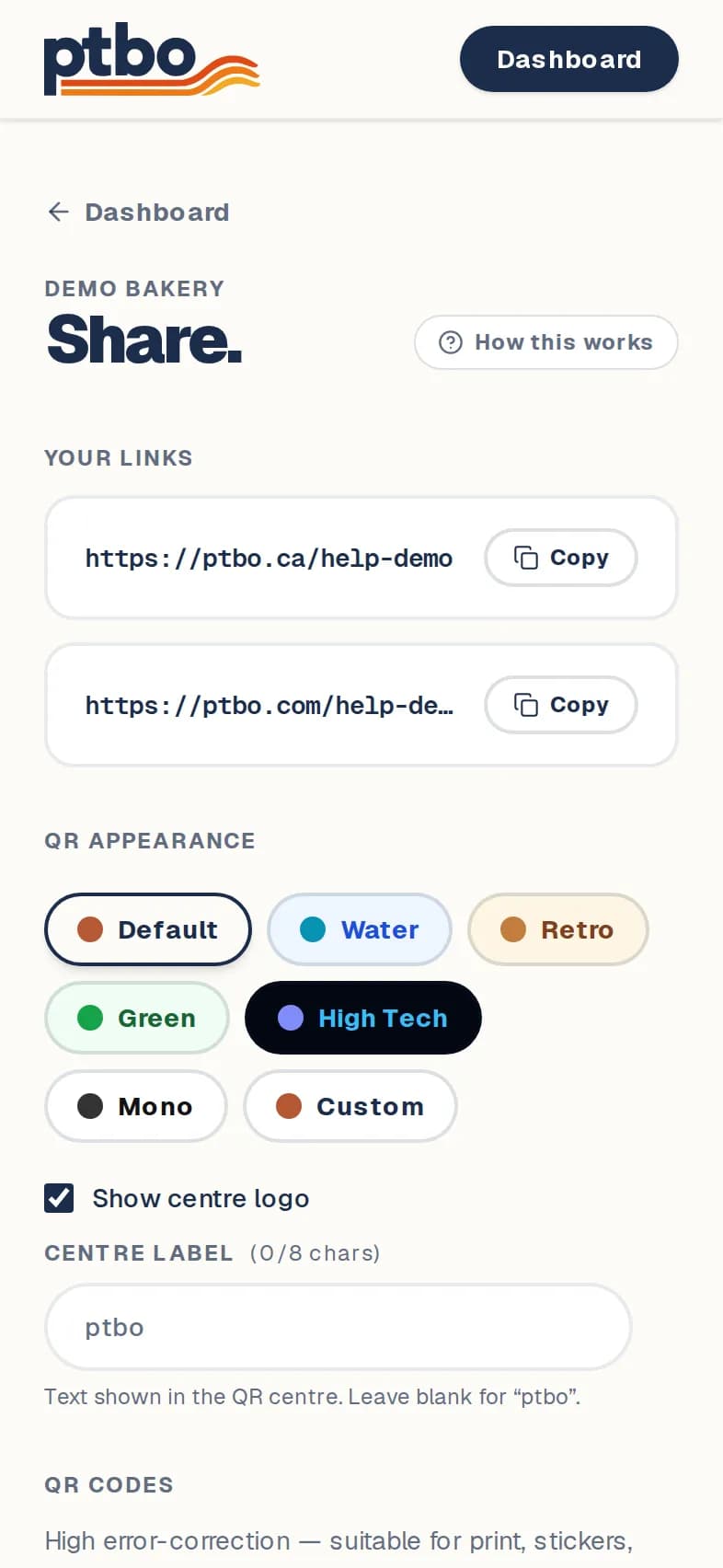
Share your page and get a QR code
Your link, and a QR code for menus, windows and flyers.
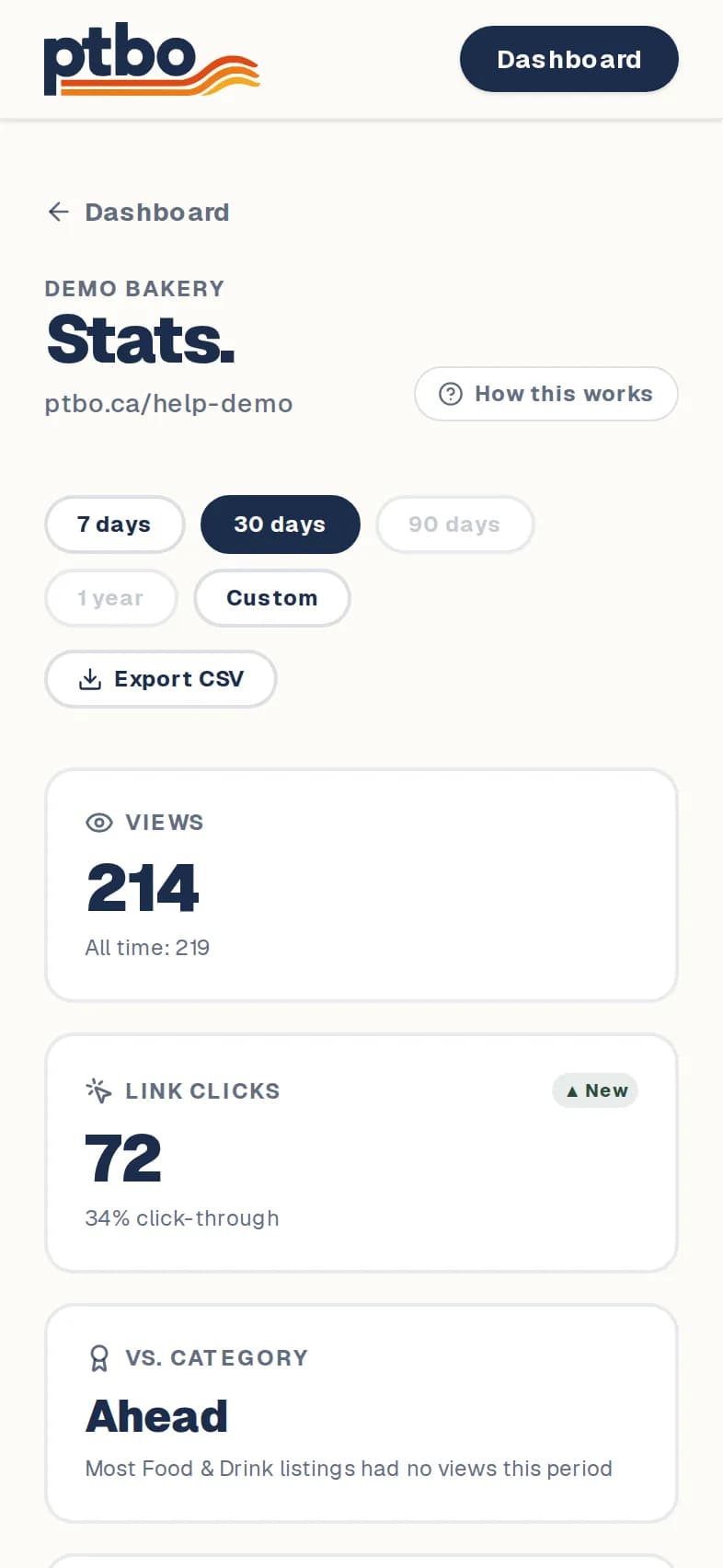
See who's visiting
Views, taps, QR scans, and where visitors come from.
Still stuck? Contact us.