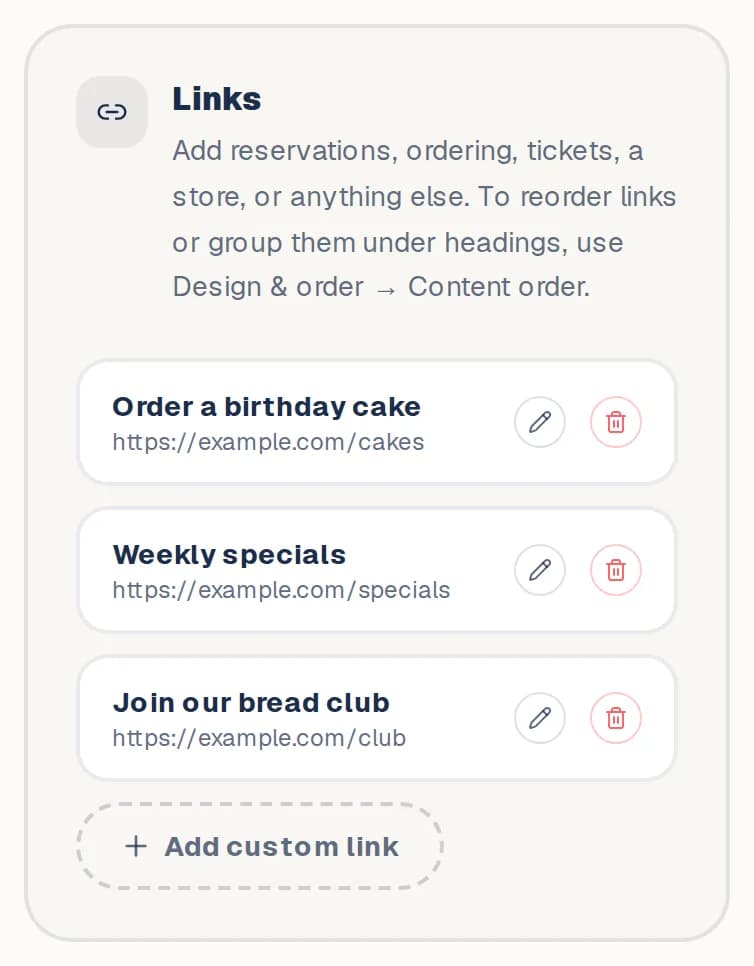
Dashboard → Edit → Links & socials
- 1
Open Links & socials and go to Links.
- 2
Tap Add custom link. Give it a label, then paste a web address, an email or a phone number.
- 3
Tap Add link.
- 4
To add a picture, edit the link and tap Upload image. Tick Featured: show the image as a large card to make it stand out.
- 5
To group links under a title, go to Design & order → Content order and tap Add heading. Drag the heading above the links it belongs to.
Still stuck? Contact us.
Next: Set your hours and locations