Dashboard → Edit → Links & socials
- 1
Open Links & socials.
- 2
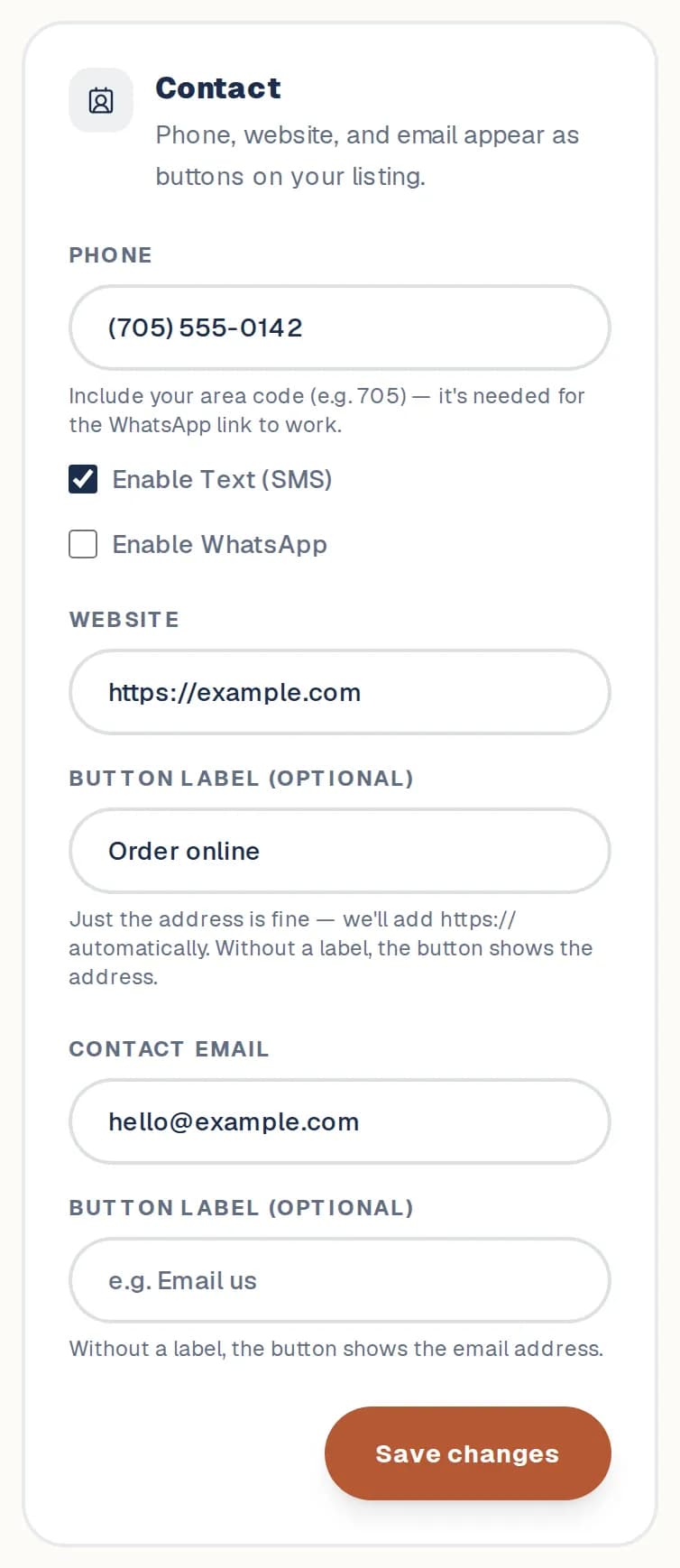
Under Contact, add your Phone, Website and Contact Email. Turn on Enable Text (SMS) or Enable WhatsApp if you take messages that way.
- 3
Want a button to say something other than the address, like "Book online"? Fill in its Button label (optional).
- 4
Tap Save changes.
- 5
Under Social profiles, paste your handle or the full link for each profile, then tap Save changes.
Good to know
- On a computer, clicking your phone number copies it instead of dialling.
- Social profiles can show as full buttons or as a row of icons. Choose in Design & order.
Still stuck? Contact us.
Next: Add links and headings