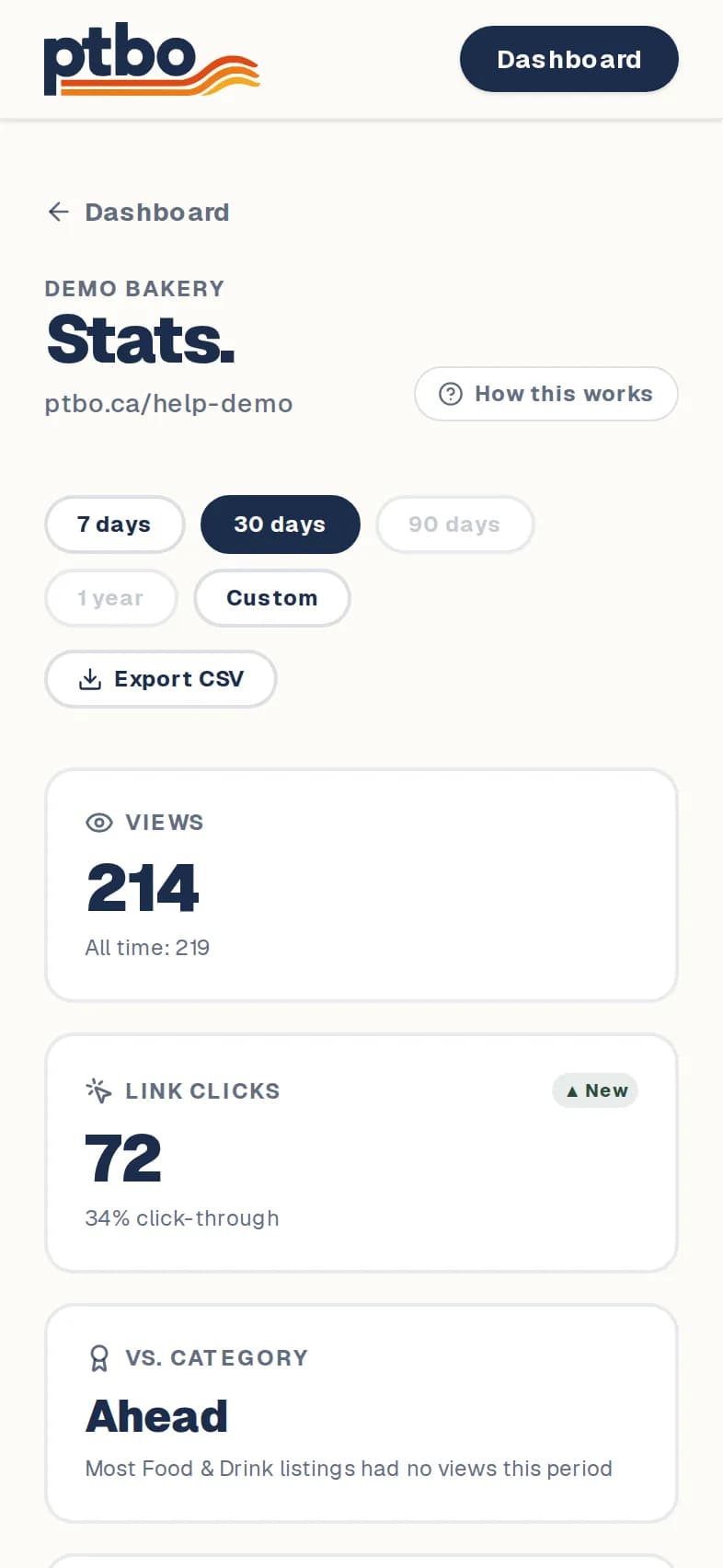
Dashboard → Stats
- 1
In your dashboard, tap Stats on your listing.
- 2
Pick a time range: 7 days, 30 days, 90 days or 1 year.
- 3
The top shows Views, Link clicks and QR scans. Below, see your busiest days and times, which links people tapped, and where they came from.
Good to know
- Clicks in the editor's preview aren't counted.
Still stuck? Contact us.