How-to guides
Share your page and get a QR code.
Your link, and a QR code for menus, windows and flyers.
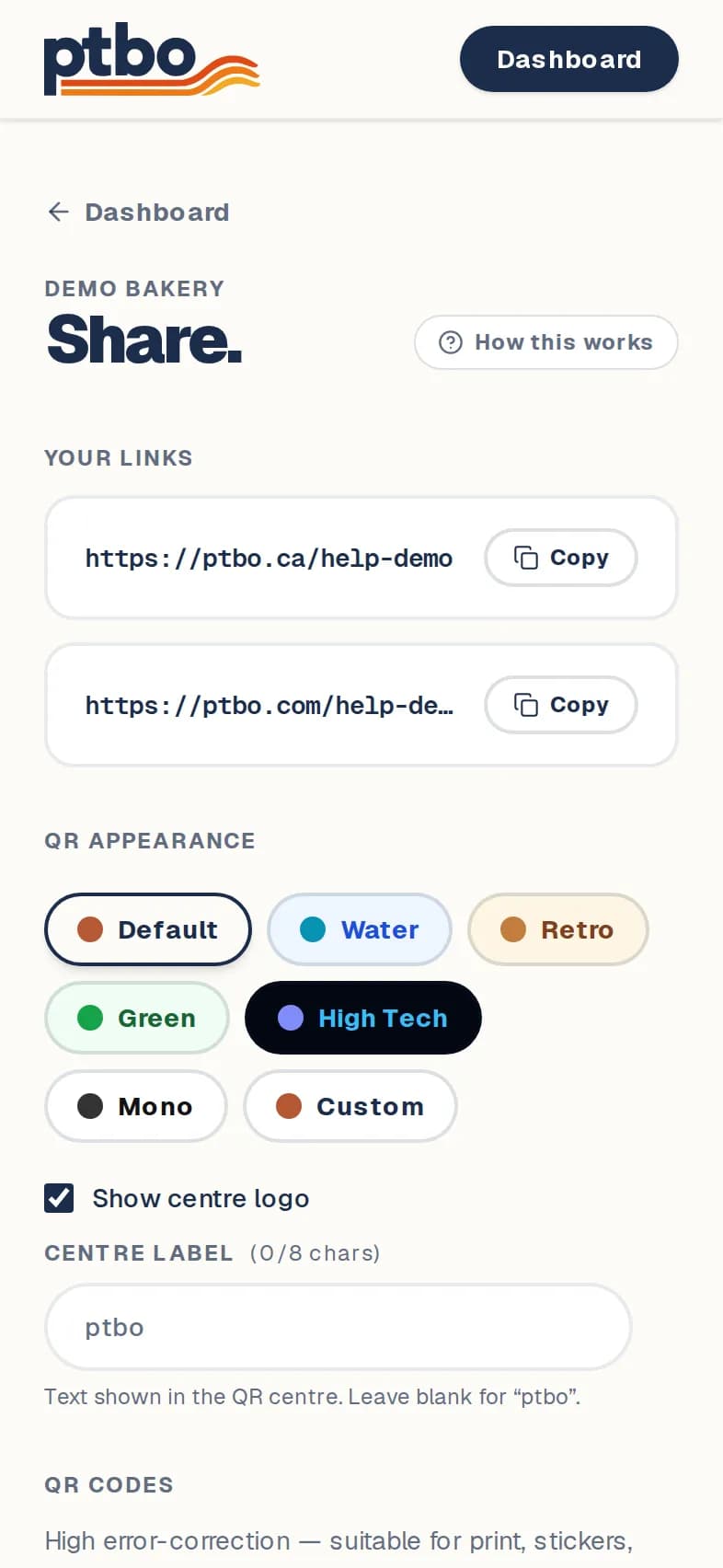
Dashboard → Share
- 1
In your dashboard, tap Share on your listing.
- 2
Copy your link or tap the share button. Both ptbo.ca and ptbo.com links go to the same page.
- 3
Pick how your QR code looks.
- 4
Tap Download PNG for most uses, or Download SVG for a printer or designer.
Good to know
- Scans of new QR codes are counted in your stats. Codes you printed earlier still work, but they aren't counted. Download a fresh one to start counting.
Still stuck? Contact us.
Next: See who's visiting