How-to guides
Change your name, description or logo.
The basics: what your business is called, what it does, and its logo.
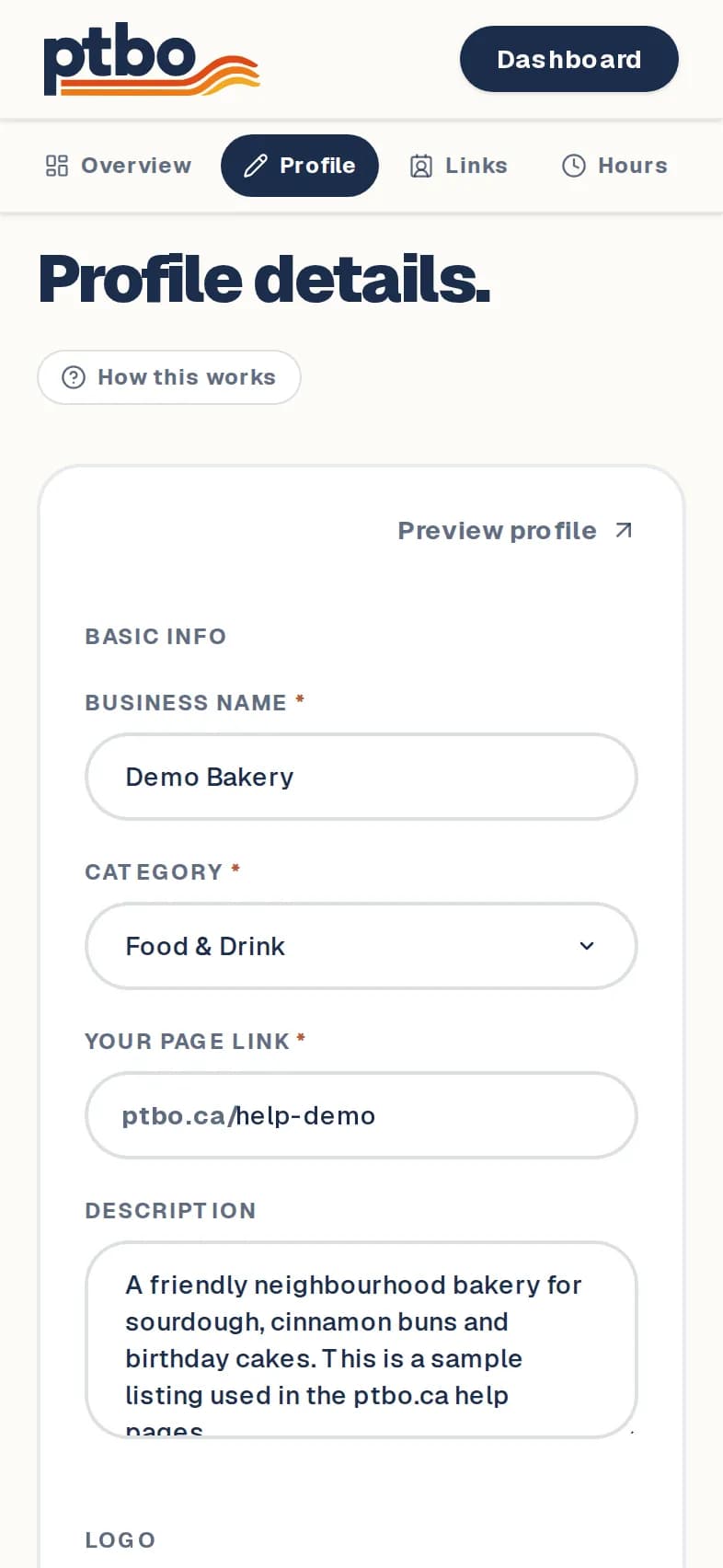
Dashboard → Edit → Profile
- 1
In your dashboard, tap Edit on your listing, then open Profile.
- 2
Change the Business name, Category or Description.
- 3
To add a logo, tap Upload logo (or Replace), then crop it.
- 4
Tap Save changes.
Good to know
- A sentence or two about what makes you useful helps people pick you.