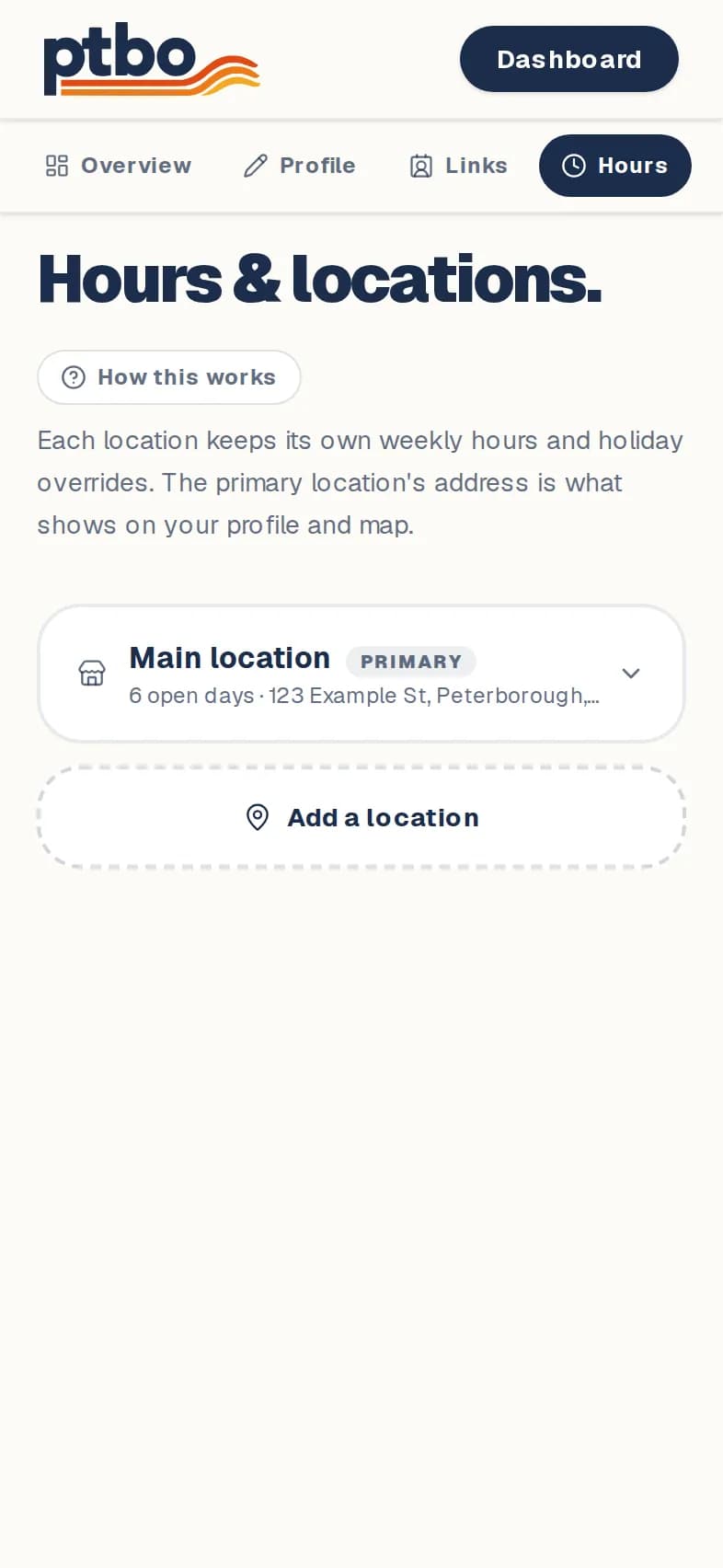
Dashboard → Edit → Hours & locations
- 1
Open Hours & locations.
- 2
Open your location and fill in its Address and Weekly hours. Tap Save.
- 3
Closed or open late on a holiday? Tap Add holiday / special hours and pick the date.
- 4
Have another spot? Tap Add a location and choose Branch or Pop-up / stall. Each location has its own hours.
Good to know
- Your page shows "Open" or "Closed" from these hours, so keep holidays up to date.
- Only add a location's phone if it's different from your main number.
Still stuck? Contact us.
Next: Add a menu or flyer