- 1
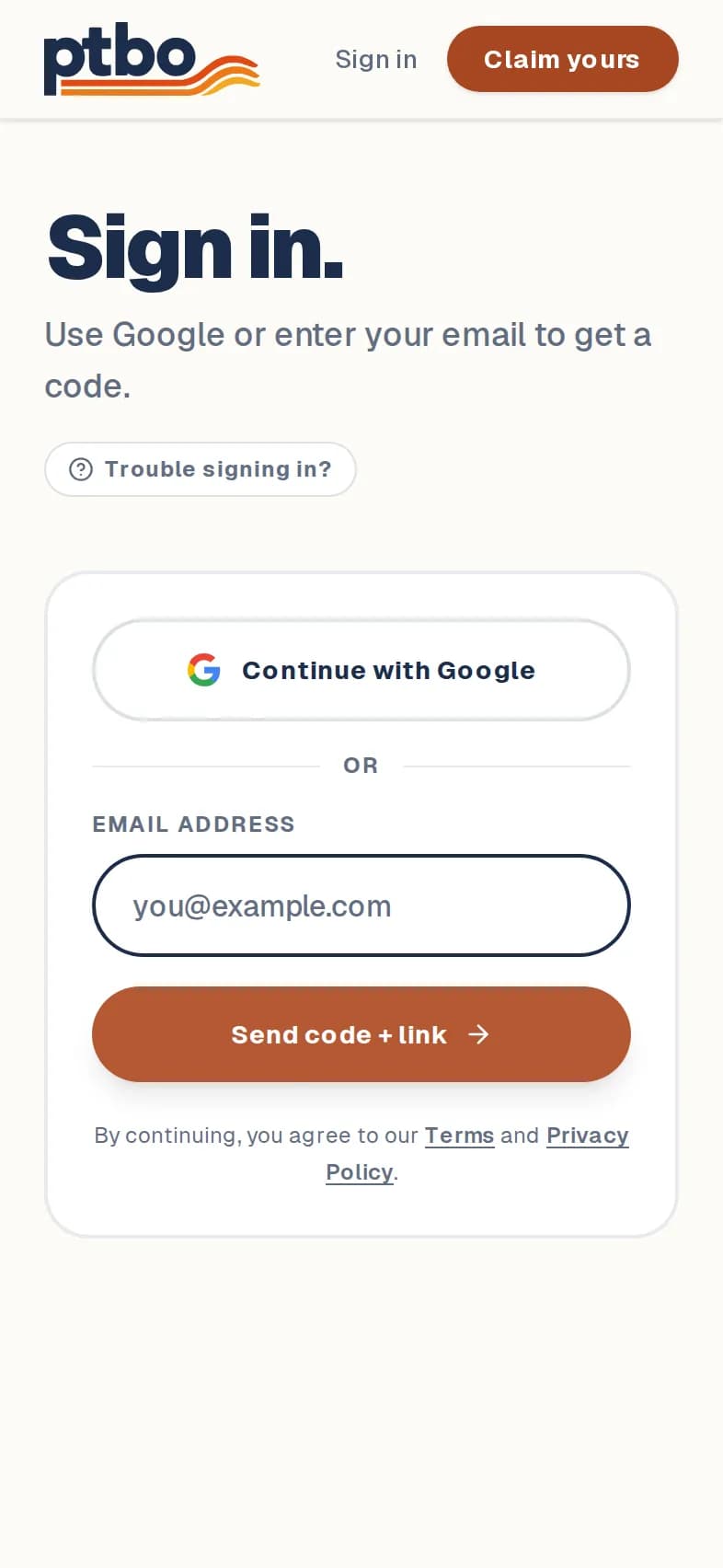
Go to ptbo.ca/login.
- 2
Have a Google account? Tap Continue with Google and pick your account.
- 3
Or enter your email address and tap Send code + link.
- 4
Check your email for a 6-digit code and a sign-in link. Type the code on the sign-in page, or tap the link.
Good to know
- Use the same email address each time, or the Google account with that address, so you land in the same dashboard.
- No email? Check your spam folder, or tap Use a different email to try again.
Still stuck? Contact us.
Next: Change your name, description or logo