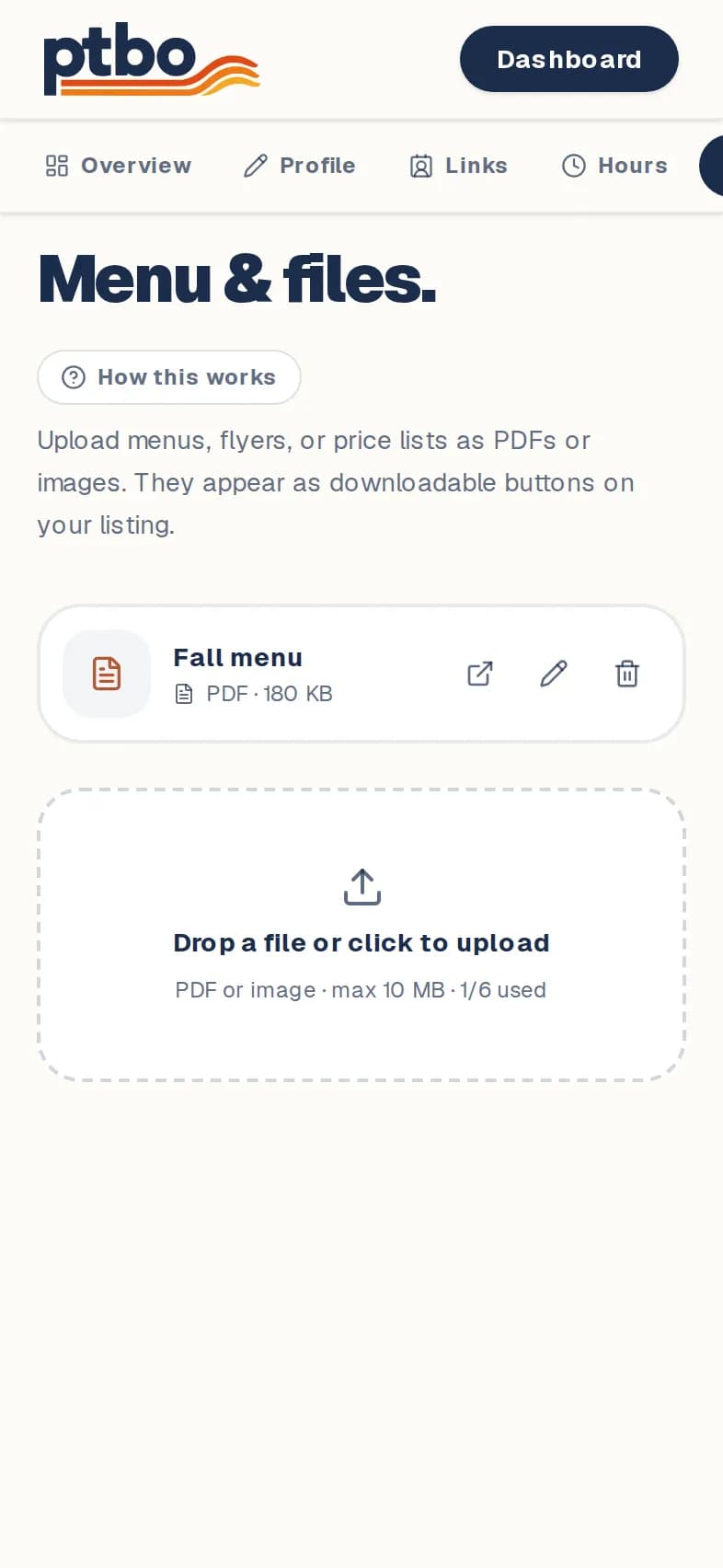
Dashboard → Edit → Menu & files
- 1
Open Menu & files.
- 2
Drop a file in, or tap to upload. PDFs and images work.
- 3
Each file shows as a button on your page. Rename or delete it any time.
Good to know
- You can have up to 6 files.
Still stuck? Contact us.
Next: Change the order, or hide something