Dashboard → Edit → Design & order
- 1
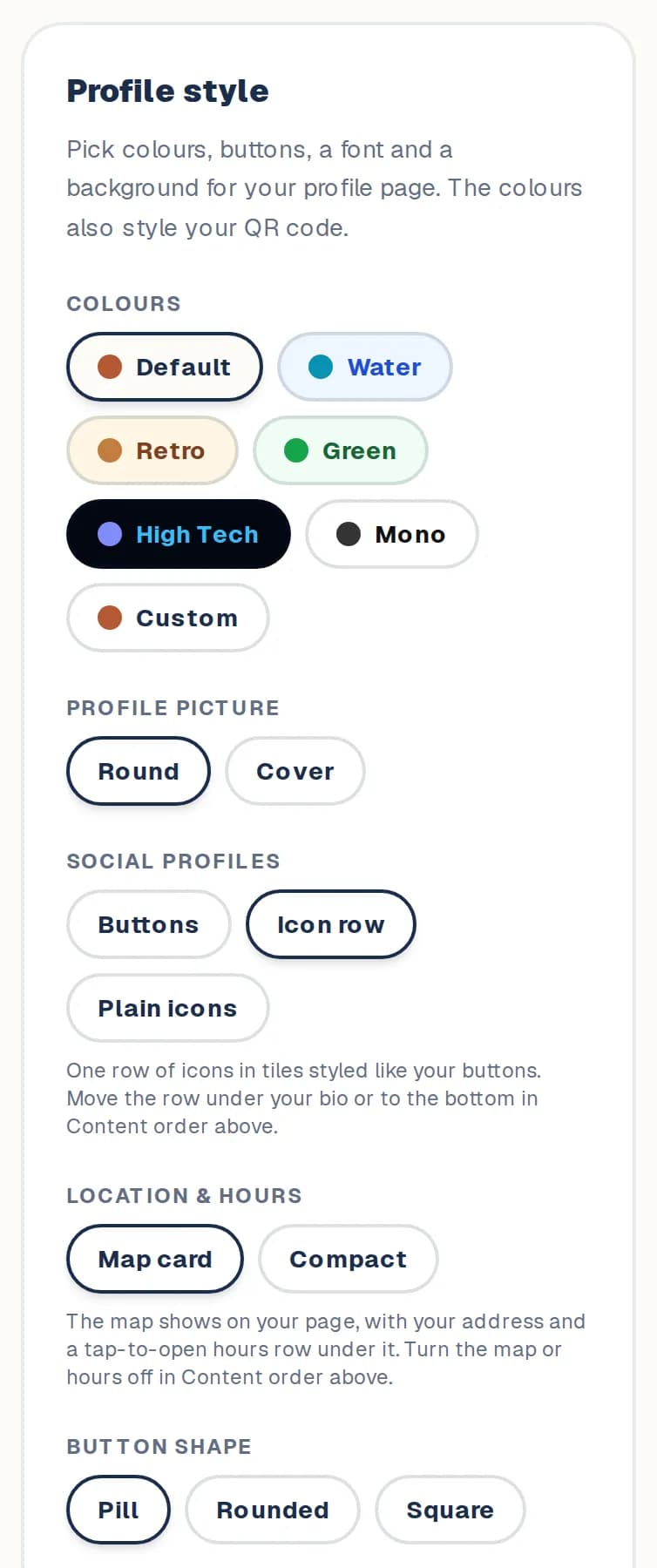
Open Design & order and find Profile style.
- 2
Pick your colours, button shape and style, font and background. The preview shows each change as you tap.
- 3
Choose a Round logo, or a Cover photo across the top of your page.
- 4
Choose how your social profiles and your Location & hours look.
- 5
Tap Save changes.
Good to know
- Your colours also style your QR code.
Still stuck? Contact us.
Next: Share your page and get a QR code