- 1
Find your business on ptbo.ca and open its page.
- 2
At the bottom of the page, tap Claim this page. (It only shows on listings nobody has claimed yet.)
- 3
Check the details and fix anything that's wrong.
- 4
Fill in How are you connected to this business? It isn't shown publicly. It helps us approve you faster.
- 5
Tap Submit claim for review. If you aren't signed in yet, you'll be asked to sign in first.
- 6
We check the claim and email you when it's approved, usually within a day. The listing then shows under Your listings in your dashboard.
Good to know
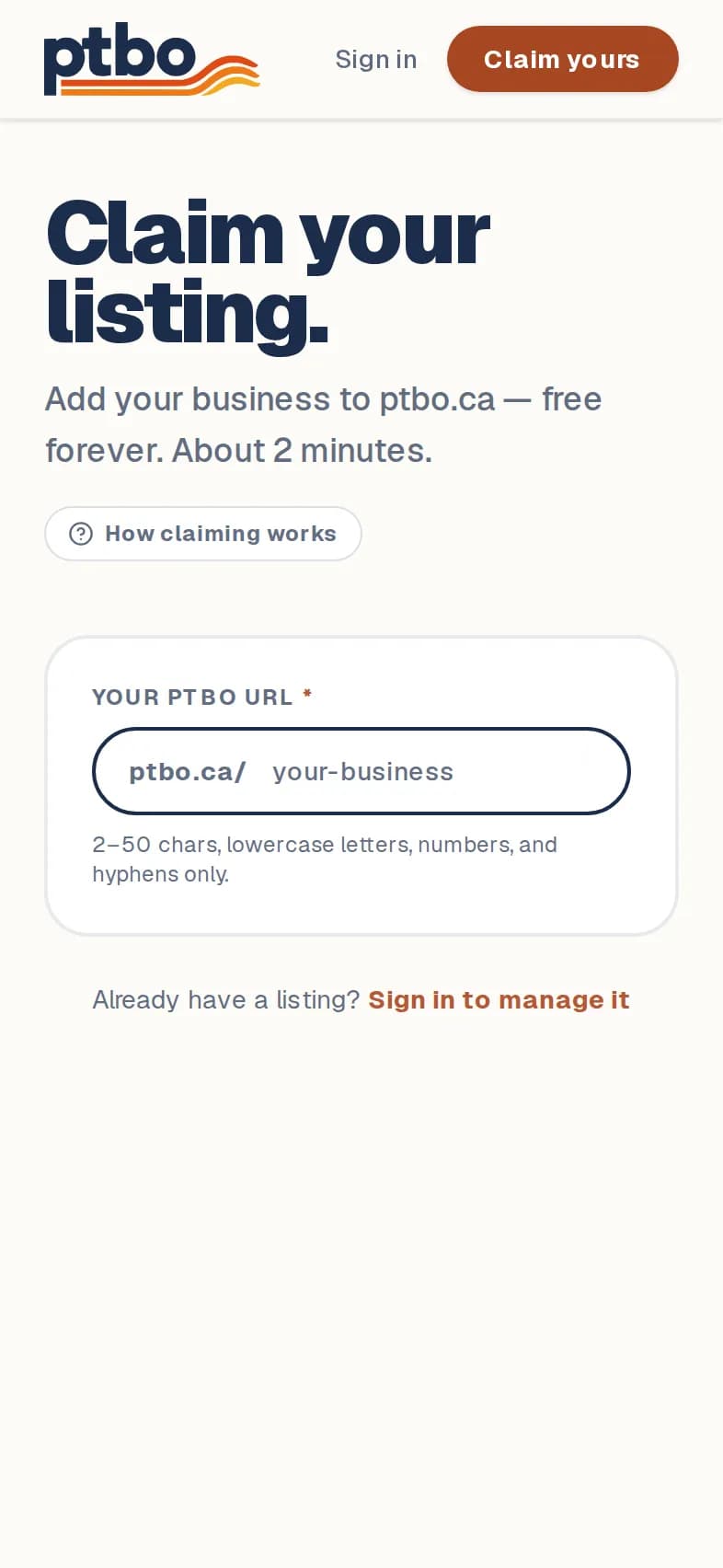
- Not on ptbo.ca yet? Go to ptbo.ca/claim, enter your business name and category, and tap Claim your listing. It's free. New listings are yours right away.
- Someone else already claimed your business? Email [email protected] with proof that it's yours.
Still stuck? Contact us.
Next: Sign in